 Nigerian-owned, edited in Lagos
KYC verification rejected? Check the document and account details
Read the rejection message before sending more documents. Ask which field or document needs correction and use the account's verification channel.
By Tolu Shotade · Updated 3 October 2026
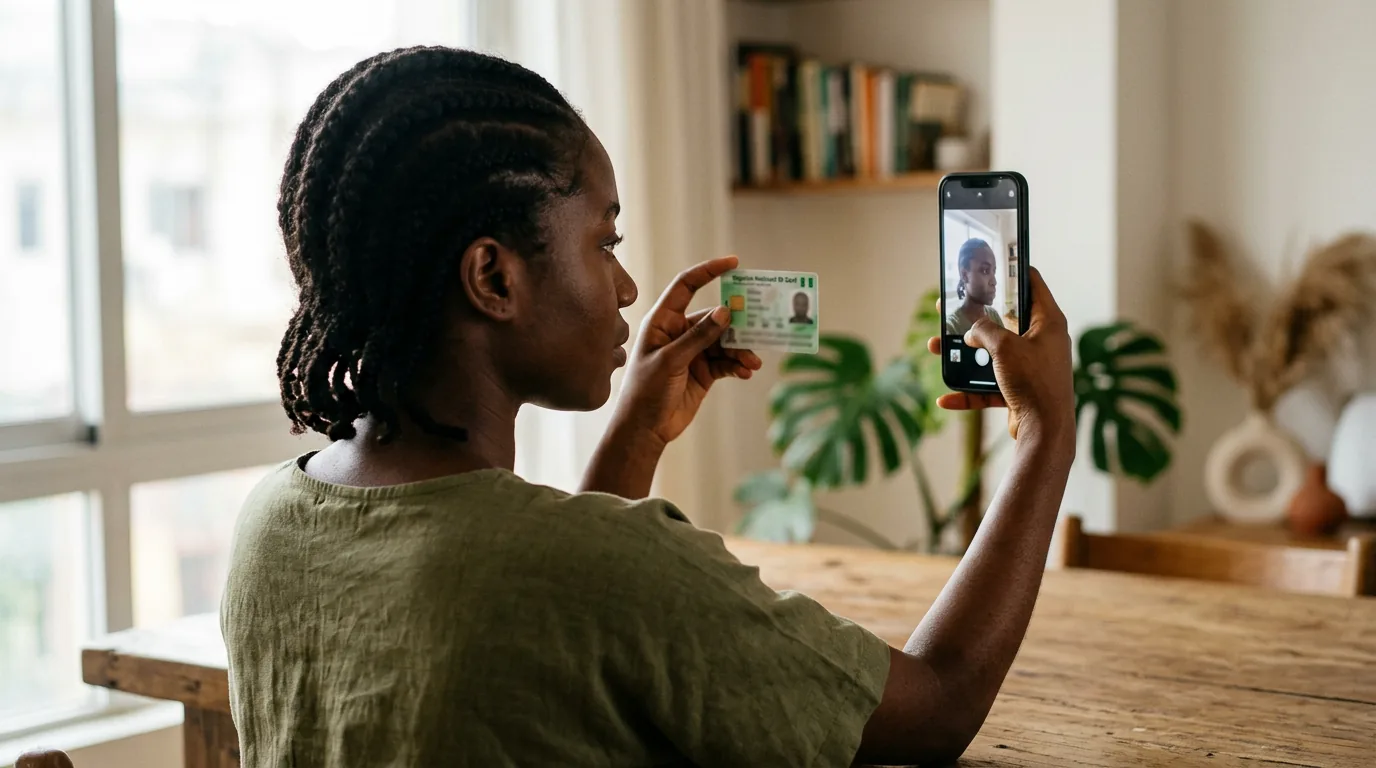
Find the rejected field
Read the rejection message and ask which document or account detail needs correction. Do not send a full identity pack to an unverified email or social account.
Compare the registered name and date of birth with your accepted ID. If the details differ, ask support for its correction process instead of opening another account.
Send a readable document
Use the document type requested in the account. Keep its edges visible and the text legible; do not edit the identity details or reuse a blurred screenshot.
For proof of address or payment ownership, ask what dates and formats are accepted. Do not assume every operator has the same document requirements.
Protect the information
Upload through the account's verification area or a support channel reached from the operator's own website. Never share your password, PIN or OTP.
Keep the request date, rejection message and case number. If a document contains unrelated transactions, ask whether redaction is accepted before altering it.
Follow up on the same case
Ask what is still missing and when the next response is expected. Do not promise yourself a fixed approval time.
Use the locked-account checklist, missing-deposit guide or withdrawal guide for the separate payment issue.
18+ only. Gambling can be addictive. If it stops being fun, please stop. Nigeria helpline: +234 809 999 0933. Get help.
Account restriction or missing payment?
If a bank debit has not reached your betting balance, use the missing-deposit checklist before paying again. If an outgoing request is still pending, use the withdrawal-status checklist to separate approval from payment tracing.